


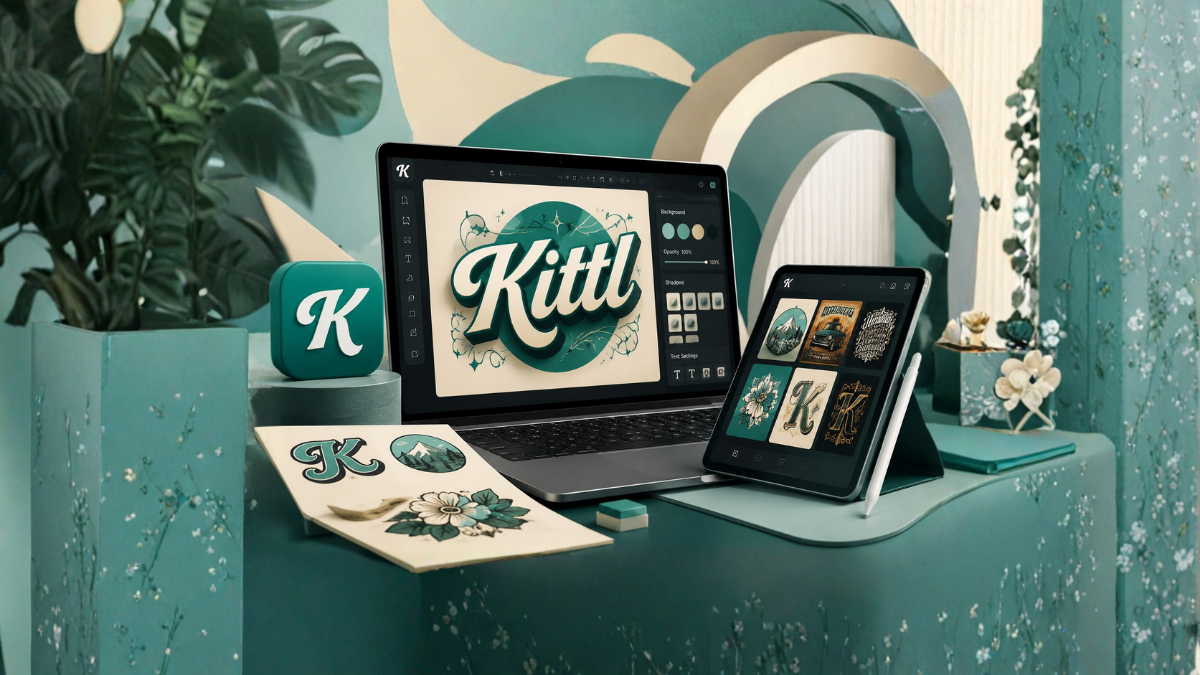
Creating professional designs used to require advanced graphic design skills and expensive software. Today, artificial intelligence has changed the way people create visual content. One of the most popular AI-powered design platforms gaining attention among creators, marketers, and business owners is Kittl.
Whether you are designing social media graphics, logos, T-shirts, posters, presentations, or print-on-demand products, Kittl provides a simple and powerful solution that makes professional design accessible to everyone.
In this complete guide, we will explore what Kittl is, how it works, its features, benefits, pricing, and why it has become a favorite tool for both beginners and professionals.
What Is Kittl?
Kittl is an AI-powered graphic design platform that allows users to create high-quality designs quickly and easily. The platform combines advanced design tools with artificial intelligence to help users generate stunning visuals without needing years of graphic design experience.
Founded with the goal of simplifying the design process, Kittl offers a browser-based design environment where users can create, edit, and export professional graphics directly from their web browser.
Unlike traditional design software that often has a steep learning curve, Kittl focuses on ease of use while still providing advanced creative features.
Why Is Kittl Becoming So Popular?
The popularity of Kittl has grown rapidly because it combines simplicity with powerful features. Several factors contribute to its success:
Easy-to-Use Interface
The platform has a clean and intuitive interface that allows beginners to start designing immediately.
AI-Powered Features
Artificial intelligence automates many design tasks, helping users save time and improve creativity.
Professional Templates
Kittl offers thousands of professionally designed templates for various industries and purposes.
Advanced Typography Tools
Typography is one of Kittl’s biggest strengths. Users can create beautiful text effects with minimal effort.
No Software Installation Required
Since Kittl is cloud-based, users can access their projects from any device with an internet connection.
Key Features of Kittl
1. AI Design Generator
The AI Design Generator allows users to create unique graphics simply by entering text prompts. The system automatically generates design ideas based on user instructions.
This feature is particularly useful for:
- Social media graphics
- Marketing materials
- Product designs
- Posters
- Branding assets
2. AI Image Generator
Kittl’s AI image generation technology enables users to create custom illustrations and graphics without needing stock photos.
Users can generate:
- Fantasy illustrations
- Product images
- Backgrounds
- Artistic designs
- Concept art
3. Text-to-Vector Technology
One of Kittl’s standout features is its ability to convert text prompts into editable vector graphics.
Benefits include:
- High-resolution outputs
- Scalable designs
- Editable vector elements
- Print-ready graphics
4. Advanced Typography
Typography tools make Kittl unique compared to many other design platforms.
Users can:
- Bend text
- Add shadows
- Create vintage effects
- Apply textures
- Generate 3D text effects
- Create artistic lettering
5. Extensive Template Library
Kittl offers thousands of templates for:
- Logos
- Flyers
- Business cards
- T-shirts
- Posters
- Social media posts
- Invitations
- Presentations
These templates can be fully customized according to user preferences.
6. Illustration Library
The platform includes an enormous collection of illustrations, icons, and design elements.
Users can access:
- Decorative shapes
- Vintage illustrations
- Modern icons
- Abstract graphics
- Patterns and textures
7. Collaboration Features
Teams can work together on projects by sharing designs and collaborating in real time.
This feature benefits:
- Marketing agencies
- Design teams
- Small businesses
- Educational institutions
8. Brand Management Tools
Businesses can maintain brand consistency by storing:
- Logos
- Brand colors
- Fonts
- Templates
- Graphic assets
How Does Kittl Work?
Using Kittl is remarkably simple.
Step 1: Create an Account
Users can sign up using their email address or social login accounts.
Step 2: Choose a Template
Browse through thousands of ready-made templates or start with a blank canvas.
Step 3: Customize the Design
Modify:
- Text
- Images
- Colors
- Fonts
- Layouts
- Graphics
Step 4: Use AI Tools
Generate:
- Images
- Illustrations
- Backgrounds
- Vector elements
- Design ideas
Step 5: Download and Export
Projects can be exported in various formats including:
- PNG
- JPG
- SVG
Who Should Use Kittl?
Small Business Owners
Business owners can create professional marketing materials without hiring a designer.
Content Creators
YouTubers, bloggers, and influencers can design:
- Thumbnails
- Social media graphics
- Banners
- Promotional images
Print-on-Demand Sellers
Kittl is highly popular among print-on-demand entrepreneurs because of its typography and vector tools.
Users can create:
- T-shirt designs
- Stickers
- Posters
- Mugs
- Merchandise
Freelancers
Freelancers can use Kittl to create designs for clients quickly and efficiently.
Teachers and Students
Educational users can design:
- Presentations
- Posters
- Infographics
- Learning materials
Marketing Professionals
Marketers can create advertising materials, social graphics, and promotional content in less time.
Benefits of Using Kittl
Saves Time
AI features significantly reduce the time needed to create professional designs.
Beginner Friendly
Even users with no design experience can create beautiful graphics.
Affordable
Kittl offers cost-effective pricing compared to hiring professional designers.
Professional Results
The platform produces high-quality outputs suitable for both digital and print use.
Creative Freedom
Users can customize almost every element of their designs.
Cloud-Based Access
Projects can be accessed from anywhere without installing software.
Kittl for Print-on-Demand Businesses
One reason behind Kittl’s growing popularity is its usefulness for print-on-demand businesses.
Designers can create:
- Apparel graphics
- Seasonal products
- Typography designs
- Vintage illustrations
- Merchandise artwork
Its vector capabilities ensure that designs remain high quality even when printed on large surfaces.
Kittl for Social Media Marketing
Social media marketing requires visually attractive content. Kittl helps users create:
- Instagram posts
- Facebook banners
- Pinterest graphics
- YouTube thumbnails
- LinkedIn posts
- Stories and advertisements
The platform’s templates save significant time when producing social media content regularly.
Kittl AI Features Explained
Artificial intelligence is the heart of Kittl.
AI Background Generator
Creates custom backgrounds for designs.
AI Image Creation
Produces unique illustrations based on text prompts.
AI Design Suggestions
Provides recommendations for layouts and styles.
AI Text Effects
Automatically creates professional typography effects.
AI Vector Generation
Converts simple prompts into editable vector artwork.
Kittl Pricing Plans
Kittl offers multiple pricing options to meet different user needs.
Free Plan
Suitable for beginners and casual users.
Usually includes:
- Limited templates
- Basic editing tools
- Restricted exports
Pro Plan
Designed for professional creators and businesses.
Typically includes:
- Unlimited projects
- Premium templates
- Advanced AI tools
- High-quality exports
- Commercial usage rights
Business Plan
Built for teams and organizations.
Features generally include:
- Collaboration tools
- Brand management
- Team workspaces
- Priority support
Pricing may change over time, so users should check the official Kittl website for the latest information.
Pros of Kittl
- Easy to learn
- Excellent typography tools
- AI-powered features
- Large template library
- Browser-based platform
- Great for print-on-demand businesses
- High-quality exports
- Professional design capabilities
Cons of Kittl
- Some advanced features require paid plans.
- Internet connection is necessary.
- Certain AI features may have usage limits.
- Fewer advanced photo editing tools compared to dedicated photo editors.
Kittl vs Canva
Many users compare Kittl with Canva.
Kittl Strengths
- Better typography tools
- Stronger vector editing
- Excellent for merchandise design
- More artistic text effects
Canva Strengths
- Larger template collection
- Better presentation tools
- More integrations
- Wider business adoption
Both platforms are excellent, and the best choice depends on your design needs.
Kittl vs Adobe Illustrator
Adobe Illustrator remains an industry standard, but Kittl offers several advantages.
Kittl Advantages
- Easier to use
- Lower learning curve
- Faster design creation
- AI-powered automation
Illustrator Advantages
- Advanced vector editing
- Professional design capabilities
- Greater control over every design element
For beginners and small businesses, Kittl often provides a more practical solution.
Why Designers Love Kittl
Designers appreciate Kittl because it balances simplicity and power.
The platform enables users to:
- Create professional graphics quickly
- Experiment with creative typography
- Produce print-ready artwork
- Generate AI-powered designs
- Work more efficiently
Its ability to simplify complex design processes makes it appealing to creators of all skill levels.
The Future of Kittl
Artificial intelligence is transforming the creative industry, and Kittl is positioned as one of the leading platforms in this space.
Future developments may include:
- More advanced AI image generation
- Better collaboration tools
- Expanded template collections
- Improved automation features
- Enhanced brand management capabilities
As AI technology evolves, Kittl is expected to become even more powerful and accessible.
Final Thoughts
Kittl has quickly established itself as one of the most impressive AI-powered design platforms available today. It combines professional design capabilities with an easy-to-use interface, making graphic design accessible to everyone.
Whether you are a business owner, content creator, freelancer, marketer, or print-on-demand seller, Kittl offers tools that can significantly improve your design workflow.
Its AI-powered features, advanced typography capabilities, extensive template library, and cloud-based accessibility make it an excellent choice for anyone looking to create stunning designs without the complexity of traditional design software.
For users who want professional-quality graphics with minimal effort, Kittl is undoubtedly a platform worth exploring.
Frequently Asked Questions (FAQs)
1. What is Kittl used for?
Kittl is used for creating logos, social media graphics, posters, T-shirt designs, presentations, and various marketing materials.
2. Is Kittl free to use?
Yes, Kittl offers a free plan with limited features and paid plans with advanced capabilities.
3. Can beginners use Kittl?
Yes, Kittl is specifically designed to be beginner-friendly.
4. Does Kittl use artificial intelligence?
Yes, Kittl includes several AI-powered tools for generating images, vectors, and design ideas.
5. Can I create T-shirt designs in Kittl?
Yes, Kittl is highly popular among print-on-demand sellers for creating T-shirt graphics.
6. Is Kittl better than Canva?
It depends on your needs. Kittl excels in typography and merchandise design, while Canva offers more templates and integrations.
7. Can I download designs from Kittl?
Yes, users can export designs in formats such as PNG, JPG, PDF, and SVG.
8. Does Kittl work on mobile devices?
Kittl primarily works through a web browser and can be accessed on many devices.
9. Is Kittl suitable for businesses?
Yes, Kittl offers business plans and brand management features.
10. Can teams collaborate in Kittl?
Yes, Kittl includes collaboration features for teams and organizations.
11. Does Kittl provide commercial usage rights?
Paid plans generally include commercial usage rights, but users should review the latest licensing terms.
12. Who should use Kittl?
Business owners, freelancers, marketers, content creators, educators, and print-on-demand sellers can all benefit from using Kittl.
