


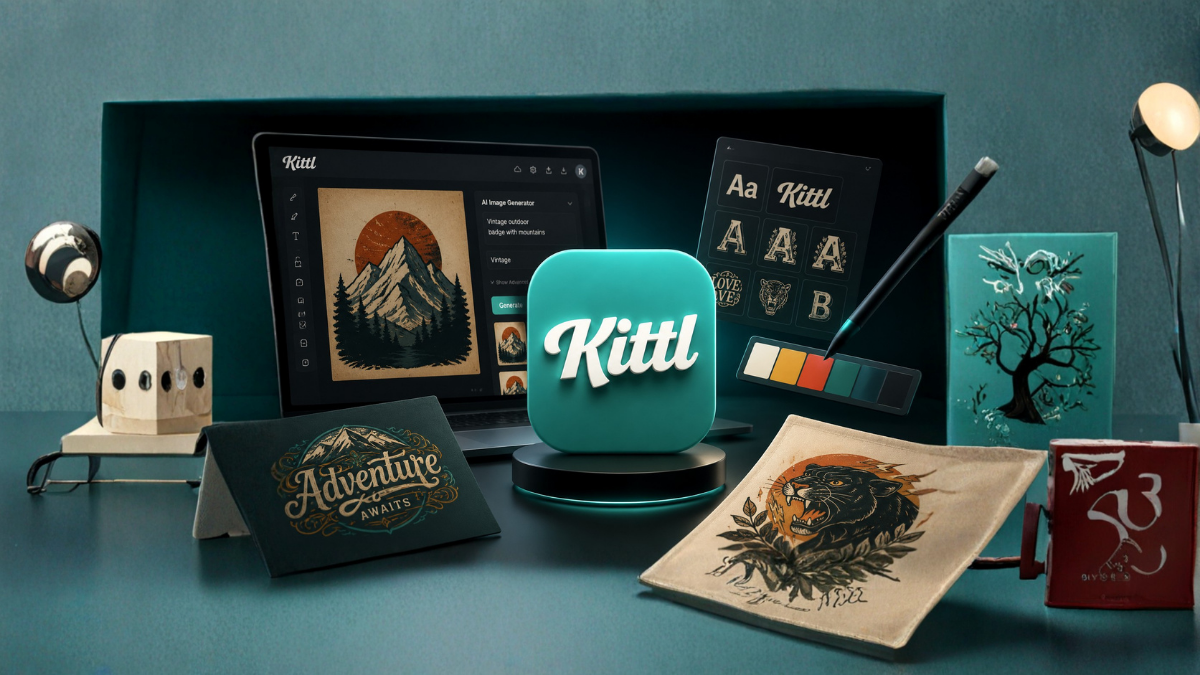
The world of graphic design has changed dramatically over the last few years. Artificial intelligence has made it easier than ever for beginners, marketers, business owners, and content creators to create professional designs without spending years learning complex software. Among the many AI-powered design platforms available today, Kittl has emerged as one of the most popular choices.
But is Kittl really the best AI graphic design tool in 2026? Does it offer enough features to compete with platforms like Canva and Adobe Express? Is it worth paying for a premium subscription?
In this detailed Kittl Review 2026, we will explore everything you need to know about this design platform, including its features, pricing, advantages, disadvantages, and whether it is the right tool for your creative needs.
What Is Kittl?
Kittl is an AI-powered graphic design platform that allows users to create professional-quality designs quickly and easily. The platform combines artificial intelligence with an intuitive drag-and-drop editor, making it suitable for both beginners and experienced designers.
Launched as a design tool focused on typography and illustrations, Kittl has expanded significantly over the years. In 2026, it offers a complete design ecosystem with AI-generated images, text effects, templates, vector graphics, and collaborative tools.
The platform is widely used for:
- Social media graphics
- Logos and branding
- Print-on-demand products
- T-shirt designs
- Posters and flyers
- Business presentations
- Marketing materials
- YouTube thumbnails
- Website graphics
- E-commerce product designs
Its easy-to-use interface and powerful AI capabilities have made Kittl one of the fastest-growing design platforms in the market.
Why Is Kittl So Popular in 2026?
The popularity of Kittl has increased because businesses and creators need professional designs quickly. Traditional graphic design software often requires advanced skills and significant time investment.
Kittl solves this problem by offering:
- AI-powered design generation
- Ready-made templates
- Easy customization
- Professional typography tools
- High-quality illustrations
- Fast design workflow
- Beginner-friendly interface
These features allow anyone to create impressive graphics in just a few minutes.
Kittl’s Main Features
1. AI Design Generator
One of the biggest highlights of Kittl is its AI Design Generator. Users simply enter a text prompt describing their desired design, and the platform automatically generates multiple design options.
For example:
- Create a vintage coffee logo
- Design a modern YouTube banner
- Generate a sports t-shirt design
- Create an Instagram promotional post
The AI saves time and provides creative inspiration that can be further customized.
2. AI Image Generator
Kittl’s AI image generation tool has improved significantly in 2026. Users can generate unique illustrations and artwork by entering simple text prompts.
Popular uses include:
- Blog images
- Marketing graphics
- Social media visuals
- Product illustrations
- Book covers
- Custom backgrounds
This feature reduces the need for expensive stock photos and allows creators to build original designs.
3. Professional Typography Tools
Typography is one of Kittl’s strongest features. The platform offers advanced text editing capabilities that are difficult to find in many competing tools.
Features include:
- Curved text
- Text warping
- 3D text effects
- Shadow effects
- Vintage typography
- Outline styles
- Layer customization
This makes Kittl especially popular among print-on-demand sellers and logo designers.
4. Massive Template Library
Kittl provides thousands of professionally designed templates covering almost every category.
Templates are available for:
- Instagram posts
- Facebook banners
- Business cards
- Flyers
- Invitations
- Posters
- Logos
- T-shirts
- Presentations
- E-commerce ads
Templates significantly reduce design time and help beginners create professional graphics.
5. Vector Editing Tools
Unlike many online design platforms, Kittl offers excellent vector editing capabilities.
Users can:
- Edit SVG files
- Resize designs without losing quality
- Customize vector illustrations
- Create scalable logos
This feature is especially useful for professional designers.
6. Background Remover
The AI background remover quickly removes unwanted backgrounds from images.
This feature is useful for:
- Product photography
- E-commerce images
- Marketing materials
- Social media graphics
The results are surprisingly accurate and save considerable editing time.
7. AI Text-to-Image Technology
Kittl’s text-to-image generator allows users to transform written descriptions into original artwork.
Examples:
- Futuristic city illustration
- Watercolor landscape
- Cartoon character
- Abstract art
This feature has become extremely popular among content creators and marketers.
8. Collaboration Features
Teams can work together on projects using collaborative editing tools.
Benefits include:
- Shared workspaces
- Team comments
- Real-time editing
- Project organization
- Brand management
This makes Kittl suitable for agencies and businesses.
User Interface and Ease of Use
One of the reasons behind Kittl’s success is its clean and simple interface.
Even beginners can quickly understand:
- Dashboard navigation
- Template editing
- Design customization
- Export settings
- AI tools
Unlike traditional graphic design software, Kittl has a minimal learning curve.
Most users can create their first professional design within minutes.
Kittl Pricing in 2026
Kittl offers multiple pricing plans to suit different types of users.
Free Plan
The free plan includes:
- Limited AI credits
- Basic templates
- Standard downloads
- Access to essential tools
This plan is ideal for beginners who want to test the platform.
Pro Plan
The Pro plan includes:
- Unlimited premium templates
- More AI generation credits
- High-resolution downloads
- Commercial licenses
- Premium fonts
- Advanced editing tools
This plan is suitable for freelancers and content creators.
Expert Plan
The Expert plan offers:
- Maximum AI usage
- Team collaboration
- Brand kits
- Priority support
- Additional storage
- Advanced workflow features
This plan is best for agencies and businesses.
Kittl for Print-on-Demand Sellers
Kittl has become extremely popular among print-on-demand entrepreneurs.
Users can create:
- T-shirt designs
- Mug graphics
- Sticker designs
- Posters
- Merchandise branding
The typography tools and vintage text effects make Kittl one of the best design platforms for selling products on marketplaces like Etsy and Amazon Merch.
Kittl for Social Media Creators
Social media marketers need fresh content regularly, and Kittl simplifies the process.
The platform allows users to create:
- Instagram stories
- Reels covers
- YouTube thumbnails
- Facebook advertisements
- Pinterest graphics
- LinkedIn posts
Its AI tools help creators produce content much faster.
Kittl for Businesses
Businesses use Kittl for various branding activities, including:
- Logo design
- Advertising materials
- Product packaging
- Promotional graphics
- Presentations
- Website banners
The platform saves both time and money compared to hiring professional designers for every project.
Kittl Pros
Easy to Use
The interface is beginner-friendly and requires no technical design experience.
Excellent Typography Features
The text editing capabilities are among the best in the industry.
Powerful AI Tools
The AI design generator significantly speeds up the creative process.
Large Template Library
Thousands of templates are available for different industries.
Affordable Pricing
Kittl is less expensive than hiring professional designers.
Great for Print-on-Demand
The platform is highly suitable for merchandise creators.
Regular Updates
New features and templates are added frequently.
Kittl Cons
Limited Advanced Editing
Professional designers may find some advanced features missing.
AI Credit Restrictions
Some plans have limits on AI generation.
Internet Dependency
Kittl is cloud-based and requires an internet connection.
Fewer Third-Party Integrations
Compared to some competitors, integrations are still limited.
Kittl vs Canva
| Feature | Kittl | Canva |
|---|---|---|
| AI Design Tools | Excellent | Very Good |
| Typography | Excellent | Good |
| Templates | Very Good | Excellent |
| Ease of Use | Excellent | Excellent |
| Print-on-Demand Design | Excellent | Good |
| Team Collaboration | Good | Excellent |
| Vector Editing | Excellent | Limited |
Kittl is better for typography and merchandise design, while Canva offers stronger collaboration and a larger template ecosystem.
Kittl vs Adobe Express
| Feature | Kittl | Adobe Express |
| Beginner Friendly | Excellent | Good |
| AI Features | Excellent | Very Good |
| Text Effects | Excellent | Good |
| Creative Flexibility | Very Good | Excellent |
| Learning Curve | Easy | Moderate |
Kittl is generally easier to learn, while Adobe Express integrates better with the Adobe ecosystem.
Who Should Use Kittl?
Kittl is ideal for:
- Beginners
- Bloggers
- Small businesses
- Social media managers
- YouTubers
- Print-on-demand sellers
- Freelancers
- Marketing agencies
- Entrepreneurs
If you need professional graphics without learning complicated software, Kittl is an excellent option.
Who Should Avoid Kittl?
Kittl may not be the best choice for:
- Advanced illustrators
- Professional photo editors
- Designers requiring extensive layer management
- Users needing offline editing capabilities
These users may prefer Adobe Photoshop or Illustrator.
Is Kittl Safe to Use?
Yes. Kittl is considered a secure and reliable platform.
The company regularly updates its systems and provides commercial licensing for many assets, making it suitable for business use.
However, users should always review licensing terms before using AI-generated content commercially.
Final Verdict: Is Kittl the Best AI Graphic Design Tool in 2026?
Kittl has successfully positioned itself as one of the leading AI-powered design platforms in 2026. Its combination of artificial intelligence, beautiful typography tools, ready-made templates, and ease of use makes it an excellent choice for creators and businesses.
While it may not completely replace professional software like Adobe Illustrator for advanced designers, it offers tremendous value for most users.
If your goal is to create stunning graphics quickly without spending years mastering complex design programs, Kittl is definitely one of the best AI graphic design tools available today.
Overall Rating: 4.7/5
- Ease of Use: 5/5
- AI Features: 4.8/5
- Templates: 4.7/5
- Value for Money: 4.8/5
- Professional Features: 4.3/5
For beginners, marketers, and entrepreneurs, Kittl is highly recommended.
Frequently Asked Questions (FAQs)
1. What is Kittl used for?
Kittl is used for creating logos, social media graphics, posters, t-shirt designs, presentations, and marketing materials.
2. Is Kittl free to use?
Yes, Kittl offers a free plan with limited features and AI credits.
3. Is Kittl better than Canva?
Kittl is better for typography and merchandise design, while Canva offers a larger template ecosystem.
4. Can I use Kittl designs commercially?
Yes, many assets are available for commercial use, but users should check licensing terms.
5. Does Kittl have an AI image generator?
Yes, Kittl includes advanced AI image generation tools.
6. Is Kittl suitable for beginners?
Absolutely. The platform is designed for users with little or no design experience.
7. Can I create logos using Kittl?
Yes, Kittl offers powerful logo design tools and templates.
8. Does Kittl work on mobile devices?
Yes, Kittl can be accessed through modern web browsers on mobile devices.
9. Is Kittl good for print-on-demand businesses?
Yes, it is one of the best tools for creating merchandise designs.
10. Does Kittl require software installation?
No. Kittl is a cloud-based platform and works directly in your browser.
11. Can teams collaborate in Kittl?
Yes, Kittl offers collaboration features for teams and businesses.
12. Is Kittl worth paying for in 2026?
Yes, for most creators and businesses, Kittl provides excellent value and powerful AI design features.
