


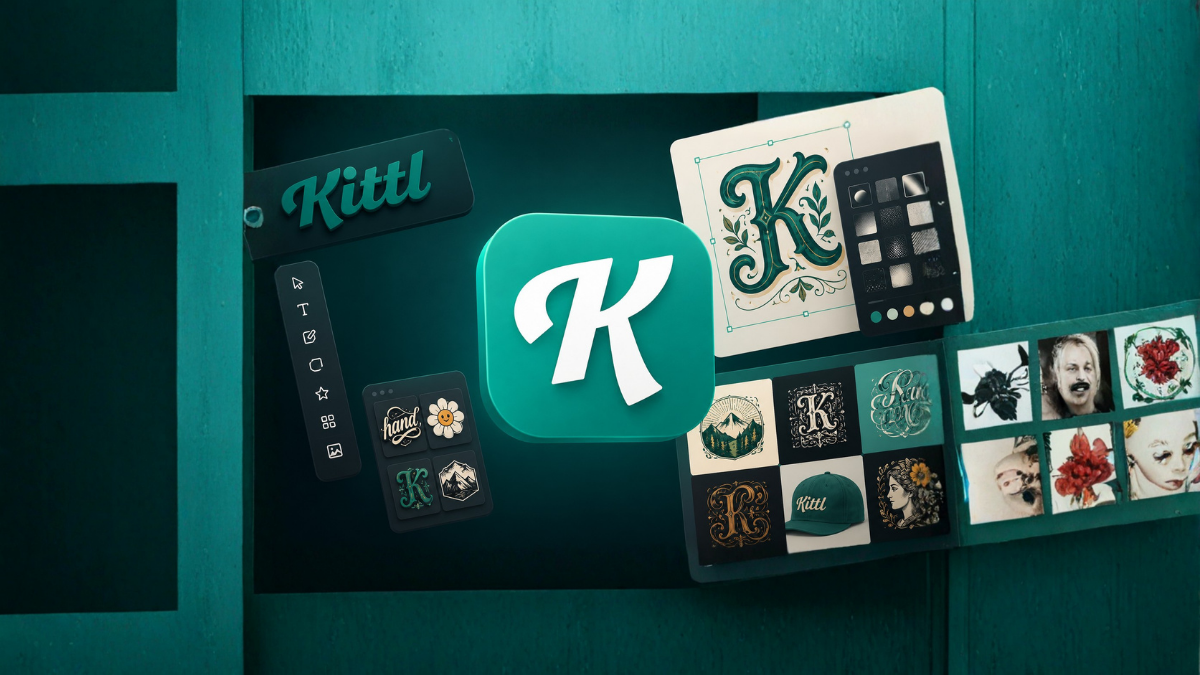
The world of graphic design has changed dramatically over the last few years. Today, designers, marketers, business owners, and content creators need tools that are easy to use and capable of producing professional-quality designs in less time. While many design platforms exist in the market, Kittl has quickly become one of the most popular choices among creators.
Kittl is a modern graphic design platform that combines simplicity with powerful design features. It allows beginners and professionals to create stunning logos, social media graphics, T-shirt designs, posters, invitations, and marketing materials without needing advanced design skills.
What makes Kittl stand out is its collection of smart tools and unique features that make the entire design process faster and more enjoyable. Whether you are a freelancer, print-on-demand seller, entrepreneur, or digital artist, understanding these features can significantly improve your workflow.
In this article, we will explore 10 amazing features of Kittl every designer should know and understand why this platform is becoming a favorite among creative professionals.
1. Advanced Text Editing Tools
One of the biggest reasons designers love Kittl is its powerful text editing capabilities.
Unlike many online design tools, Kittl allows users to create highly customized typography with just a few clicks.
Key Features:
- Text warping
- Curved text
- Letter spacing adjustments
- Shadow effects
- Outline effects
- Distortion tools
- Multi-layer text effects
These features are especially useful for:
- Logo designers
- T-shirt creators
- Social media marketers
- Branding experts
Instead of using complicated software, users can achieve professional typography directly inside Kittl.
2. Massive Library of Design Templates
Creating designs from scratch can be time-consuming. Kittl solves this problem by offering a huge collection of professionally designed templates.
Template Categories:
- Social media posts
- Posters
- Business cards
- Logos
- Invitations
- Flyers
- Merchandise designs
- YouTube thumbnails
- Print-on-demand products
These templates are fully customizable, allowing users to change:
- Colors
- Fonts
- Images
- Icons
- Layouts
For beginners, templates provide an excellent starting point and reduce the learning curve significantly.
3. AI-Powered Design Tools
Artificial Intelligence is transforming the design industry, and Kittl has integrated several AI-powered tools into its platform.
AI Features Include:
- AI image generation
- Background removal
- Design suggestions
- AI text generation
- Automatic enhancement tools
These features help designers:
- Save time
- Generate ideas quickly
- Increase productivity
- Experiment with creative concepts
AI tools are particularly useful when dealing with tight deadlines and multiple projects.
4. One-Click Text Effects
Text effects are essential in modern graphic design, especially for branding and merchandise.
Kittl offers one-click text effects that instantly transform ordinary text into eye-catching typography.
Popular Effects:
- Vintage style
- Retro text
- Gold effects
- 3D typography
- Metallic styles
- Grunge effects
- Shadow effects
These tools eliminate the need for complicated editing techniques.
Designers can create professional-looking text within minutes, making Kittl ideal for both beginners and experienced professionals.
5. Extensive Font Collection
Typography plays a major role in design success. Kittl offers a massive collection of high-quality fonts suitable for every type of project.
Font Categories:
- Serif fonts
- Sans-serif fonts
- Script fonts
- Handwritten fonts
- Vintage fonts
- Decorative fonts
The platform also allows users to upload their own fonts.
Having access to a large font library gives designers greater creative freedom and helps establish unique brand identities.
6. Professional Illustrations and Graphics Library
Finding quality design elements online can be challenging and expensive.
Kittl solves this problem by providing an extensive collection of:
- Icons
- Illustrations
- Shapes
- Decorative elements
- Patterns
- Textures
- Frames
These assets are professionally designed and ready to use.
Designers can simply drag and drop elements into their projects and customize them according to their needs.
This feature saves both time and money.
7. Background Removal Tool
Removing backgrounds manually can be one of the most frustrating tasks in graphic design.
Kittl’s AI-powered Background Remover makes this process incredibly simple.
Benefits:
- Removes backgrounds in seconds
- Produces clean cutouts
- Improves workflow efficiency
- Requires no advanced editing skills
This feature is particularly helpful for:
- Product photography
- E-commerce designs
- Marketing materials
- Social media graphics
- Print-on-demand products
By automating background removal, Kittl allows designers to focus more on creativity.
8. Real-Time Collaboration
Modern design projects often involve teamwork.
Kittl includes collaboration features that make working with clients and team members easier.
Collaboration Benefits:
- Share projects instantly
- Receive feedback quickly
- Work together in real time
- Improve communication
- Speed up project completion
For agencies and businesses, collaboration tools increase productivity and reduce misunderstandings during the design process.
9. High-Quality Export Options
Creating beautiful designs is only half the job. Designers also need high-quality export options.
Kittl allows users to export projects in multiple formats.
Export Formats:
- PNG
- JPG
- SVG
The availability of vector exports is especially important because designers can scale their artwork without losing quality.
This feature makes Kittl suitable for:
- Print materials
- Merchandise
- Logos
- Large-format graphics
- Commercial projects
Professional export options ensure that designs maintain their quality across different platforms and uses.
10. User-Friendly Interface
Perhaps one of Kittl’s most impressive features is its clean and intuitive interface.
Many professional design tools have a steep learning curve, making them difficult for beginners.
Kittl takes a different approach.
Interface Advantages:
- Easy navigation
- Simple drag-and-drop functionality
- Organized workspace
- Fast learning experience
- Beginner-friendly tools
Even users with no design experience can start creating impressive graphics within a short period of time.
At the same time, the platform includes advanced tools that satisfy the needs of professional designers.
Why Designers Are Switching to Kittl
There are several reasons why Kittl is gaining popularity:
Faster Workflow
Templates and AI tools reduce design time significantly.
Better Typography Tools
Kittl’s text editing capabilities are among the best available in online design platforms.
Cost-Effective Solution
Designers can access professional features without investing in expensive software.
Great for Print-on-Demand Businesses
The platform is widely used by T-shirt sellers, Etsy shop owners, and merchandise creators.
Beginner Friendly
Even non-designers can create professional-quality graphics.
Who Should Use Kittl?
Kittl is suitable for:
- Graphic designers
- Freelancers
- Content creators
- Bloggers
- Social media managers
- Small businesses
- Marketing agencies
- Students
- Entrepreneurs
- Print-on-demand sellers
Its combination of simplicity and professional features makes it one of the most versatile design platforms available today.
Final Thoughts
Kittl has emerged as one of the most innovative graphic design platforms in recent years. Its powerful typography tools, AI capabilities, massive template library, collaboration features, and user-friendly interface make it an excellent choice for designers of all skill levels.
Whether you are creating logos, social media graphics, business materials, or merchandise designs, Kittl provides everything needed to produce professional results quickly and efficiently.
By learning these 10 amazing features of Kittl, designers can improve productivity, enhance creativity, and create visually stunning projects with ease.
Frequently Asked Questions (FAQs)
1. What is Kittl?
Kittl is an online graphic design platform that helps users create professional-quality designs using templates, typography tools, and AI features.
2. Is Kittl free to use?
Yes, Kittl offers a free plan along with premium subscription options that unlock additional features.
3. Can beginners use Kittl?
Yes, Kittl is designed to be beginner-friendly and easy to learn.
4. Does Kittl support AI image generation?
Yes, Kittl includes AI-powered image generation and several other AI design tools.
5. Can I create logos with Kittl?
Yes, Kittl is an excellent platform for creating logos and branding materials.
6. Does Kittl offer vector exports?
Yes, users can export designs in SVG format for high-quality vector graphics.
7. Is Kittl good for T-shirt design?
Yes, Kittl is widely used for creating print-on-demand and T-shirt designs.
8. Can I upload my own fonts?
Yes, Kittl allows users to upload custom fonts.
9. Does Kittl provide collaboration features?
Yes, teams can collaborate and share projects easily.
10. Can I remove image backgrounds in Kittl?
Yes, Kittl includes an AI-powered background removal tool.
11. What file formats can I export from Kittl?
Users can export designs in PNG, JPG, PDF, and SVG formats.
12. Is Kittl better than traditional design software?
For many users, Kittl offers a faster and easier workflow, especially for online design projects and print-on-demand businesses.
