


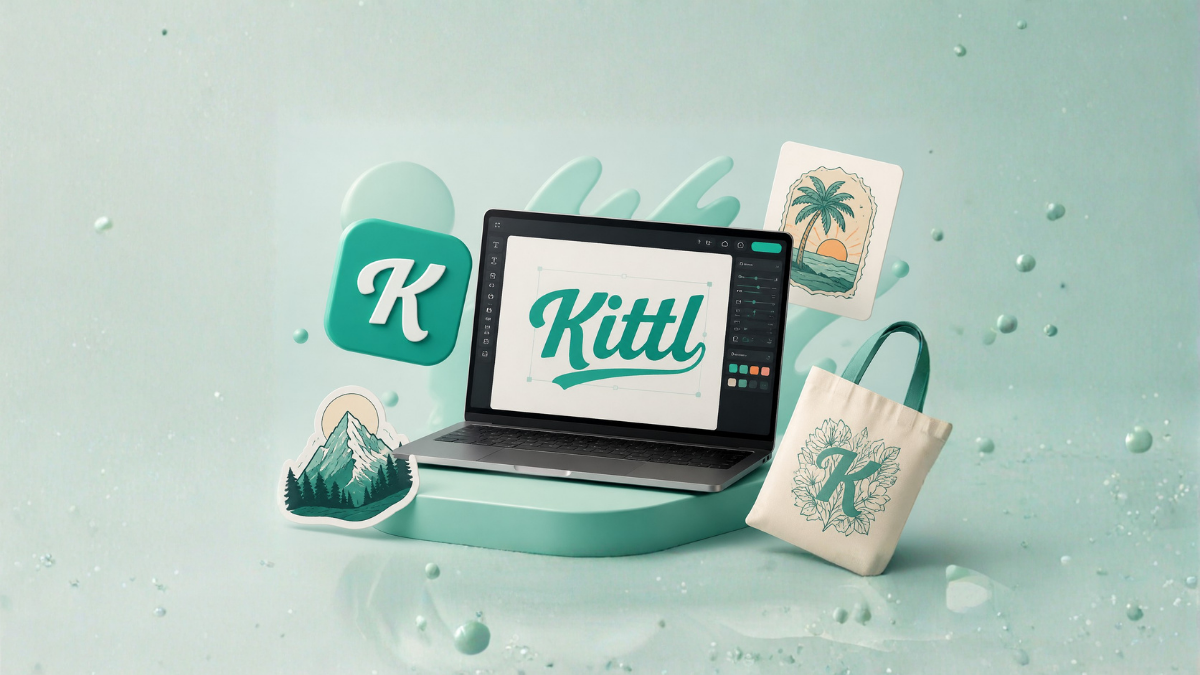
Creating professional graphics used to require expensive software and years of design experience. Today, modern design platforms have made graphic creation much easier, and one of the most popular tools among beginners and professionals is Kittl. Whether you want to create social media graphics, logos, posters, T-shirt designs, or marketing materials, Kittl offers an easy-to-use platform that helps anyone design like a professional.
If you have never used graphic design software before, this beginner’s guide to Kittl will help you understand everything you need to know to get started.
What is Kittl?
Kittl is an online graphic design platform that allows users to create stunning designs directly from a web browser. Unlike traditional design software that can be difficult to learn, Kittl provides an intuitive drag-and-drop interface, customizable templates, advanced text effects, and AI-powered tools.
The platform is designed for:
- Beginners with no design experience
- Small business owners
- Social media managers
- Bloggers and content creators
- Print-on-demand sellers
- Marketing professionals
- Freelancers and agencies
Kittl combines simplicity and powerful design capabilities, making it one of the easiest tools to use for creating professional graphics.
Why is Kittl Popular Among Beginners?
Many beginners feel overwhelmed when using professional software like Adobe Illustrator or Photoshop. Kittl solves this problem by offering a simple interface with advanced features that are easy to understand.
Some reasons why beginners love Kittl include:
User-Friendly Interface
Everything is organized neatly, allowing users to find tools quickly.
Ready-to-Use Templates
Thousands of professionally designed templates help beginners create beautiful designs in minutes.
No Installation Required
Kittl works entirely online, so there is no need to download or install any software.
AI Design Tools
Artificial intelligence features help users generate images, backgrounds, and creative ideas effortlessly.
Affordable Pricing
Kittl offers both free and premium plans, making it accessible for everyone.
Getting Started with Kittl
Starting with Kittl is simple. Follow these steps to begin your design journey.
Step 1: Create an Account
Visit the Kittl website and sign up using:
- Email address
- Google account
- Facebook account
After registration, you can immediately start designing.
Step 2: Explore the Dashboard
The dashboard is your design workspace. Here you will find:
- Design templates
- Recent projects
- Design categories
- AI tools
- Brand kits
- Saved assets
Take a few minutes to explore the interface before creating your first project.
Step 3: Create a New Design
Click on the “Create New” button and choose:
- Custom dimensions
- Social media templates
- Poster designs
- Business cards
- Logo templates
- T-shirt designs
The platform automatically opens the editor where you can start creating.
Understanding the Kittl Editor
The editor is the heart of Kittl. Fortunately, it is very beginner-friendly.
Left Sidebar
This section includes:
- Templates
- Text
- Elements
- Shapes
- Photos
- AI tools
- Uploads
Top Toolbar
The top menu allows you to:
- Change colors
- Add effects
- Resize elements
- Undo and redo actions
- Download designs
Canvas Area
The center area is your workspace where all design elements are placed.
Using Templates in Kittl
Templates are one of the biggest advantages of using Kittl.
Instead of creating a design from scratch, beginners can simply:
- Choose a template.
- Replace text.
- Change colors.
- Add images.
- Download the finished design.
This process can reduce hours of work into just a few minutes.
Creating Social Media Graphics
Social media graphics are among the most popular projects created with Kittl.
You can design:
- Instagram posts
- Stories
- Facebook covers
- Pinterest pins
- YouTube thumbnails
- LinkedIn banners
The platform provides ready-made templates optimized for every social media platform.
Designing Professional Logos
Logo design usually requires advanced graphic design knowledge. However, Kittl makes the process much easier.
Choose a Logo Template
Select from hundreds of professionally designed templates.
Customize Fonts
Kittl offers beautiful typography options that instantly improve your logo design.
Adjust Colors
You can easily apply your brand colors.
Add Icons
The built-in icon library helps you create unique logos quickly.
Creating Stunning Text Effects
One of Kittl’s most impressive features is its advanced text effects.
You can create:
- Vintage typography
- Curved text
- Shadow effects
- Metallic text
- 3D lettering
- Distressed effects
These effects normally require professional software, but Kittl makes them accessible to beginners.
Using Kittl’s AI Features
Artificial intelligence is transforming graphic design, and Kittl has embraced this trend.
AI Image Generator
Generate unique illustrations and graphics simply by entering text prompts.
AI Background Removal
Remove backgrounds from photos instantly.
AI Design Suggestions
Get creative recommendations for colors, fonts, and layouts.
AI Image Upscaling
Improve image quality without losing details.
These features save time and help beginners achieve professional results.
How to Create a Poster in Kittl
Creating posters is simple with Kittl.
Select a Template
Choose a poster design that matches your needs.
Edit Text
Add your headline and description.
Insert Images
Upload your own photos or use Kittl’s stock images.
Customize Colors
Choose colors that match your brand or theme.
Download
Export the design in your preferred format.
Designing T-Shirts with Kittl
Print-on-demand sellers and clothing brands use Kittl extensively for T-shirt design.
Popular T-shirt styles include:
- Vintage typography
- Funny quotes
- Minimalist graphics
- Retro illustrations
- Seasonal designs
Kittl’s text effects and illustration tools make T-shirt creation incredibly easy.
Creating Business Marketing Materials
Businesses need professional graphics to attract customers.
With Kittl, you can create:
- Flyers
- Brochures
- Business cards
- Restaurant menus
- Event invitations
- Product catalogs
Even beginners can produce high-quality marketing materials within minutes.
Using Brand Kits
Brand consistency is important for businesses.
Kittl’s Brand Kit feature allows users to save:
- Logos
- Fonts
- Brand colors
- Design elements
This helps maintain a professional appearance across all projects.
Uploading Your Own Assets
You can upload:
- Company logos
- Personal photos
- Custom icons
- Graphics
- Illustrations
This feature makes it easy to personalize your designs.
Best Kittl Features for Beginners
Drag-and-Drop Editor
Move elements effortlessly.
Smart Alignment Tools
Automatically align design elements.
Layer Management
Organize design components easily.
One-Click Effects
Apply professional effects instantly.
Large Asset Library
Access thousands of design resources.
Cloud Storage
Save projects online and access them anywhere.
Tips for Creating Better Designs in Kittl
Keep It Simple
Avoid overcrowding your design with too many elements.
Use Consistent Colors
Choose two or three primary colors.
Select Readable Fonts
Fancy fonts are attractive but should remain easy to read.
Maintain Proper Spacing
White space makes designs look professional.
Use High-Quality Images
Poor-quality images can ruin a great design.
Follow Visual Hierarchy
Make important information stand out.
Common Mistakes Beginners Should Avoid
Using Too Many Fonts
Stick to one or two fonts.
Overusing Effects
Too many effects can make designs look messy.
Ignoring Alignment
Proper alignment improves professionalism.
Choosing Random Colors
Use a consistent color palette.
Adding Too Much Text
Simple designs often perform better.
Free vs Premium Kittl Plans
Free Plan
Includes:
- Basic templates
- Limited downloads
- Standard features
Premium Plan
Includes:
- Unlimited premium templates
- Advanced AI tools
- High-resolution downloads
- Commercial licenses
- Additional fonts and graphics
For beginners, the free plan is sufficient to learn the platform before upgrading.
Who Should Use Kittl?
Kittl is ideal for:
Small Business Owners
Create marketing materials without hiring designers.
Bloggers
Design featured images and social media graphics.
YouTubers
Create attractive thumbnails and banners.
Freelancers
Offer design services to clients.
E-commerce Sellers
Create product images and advertisements.
Students
Design presentations and academic projects.
Benefits of Learning Kittl
Learning Kittl can provide many advantages:
- Save money on design services
- Build a personal brand
- Improve marketing efforts
- Start a design business
- Create professional content faster
- Develop creative skills
Since the platform is beginner-friendly, most users can become comfortable with it in just a few days.
Can You Make Money Using Kittl?
Yes. Many creators use Kittl to generate income through:
- Selling T-shirt designs
- Freelance graphic design
- Creating social media templates
- Designing logos
- Selling digital products
- Running print-on-demand businesses
The platform’s commercial license options make it suitable for business use.
Is Kittl Better Than Traditional Design Software?
For beginners, Kittl offers several advantages:
- Easier learning curve
- Faster design process
- Built-in templates
- AI assistance
- Browser-based access
- Affordable pricing
Professional designers may still need advanced software for complex projects, but Kittl is an excellent starting point for most users.
Final Thoughts
Graphic design no longer requires years of experience or expensive software. Kittl has made professional design accessible to everyone through its intuitive interface, powerful text effects, AI tools, and extensive template library.
Whether you want to create social media posts, logos, posters, T-shirts, or business marketing materials, Kittl provides everything needed to produce stunning graphics without prior experience.
If you are completely new to graphic design, Kittl is one of the best platforms to begin your creative journey. With a little practice and experimentation, you can create professional-looking designs that stand out and support your personal or business goals.
Frequently Asked Questions (FAQs)
1. What is Kittl used for?
Kittl is used for creating logos, social media graphics, posters, T-shirt designs, business materials, and various digital designs.
2. Is Kittl free to use?
Yes, Kittl offers a free plan with basic features and templates.
3. Can beginners use Kittl?
Absolutely. Kittl is specifically designed to be easy for beginners.
4. Do I need to download Kittl?
No, Kittl works entirely in a web browser.
5. Does Kittl have AI tools?
Yes, it includes AI image generation, background removal, and design suggestions.
6. Can I create logos with Kittl?
Yes, Kittl offers many logo templates and customization options.
7. Is Kittl good for social media designs?
Yes, it provides templates optimized for all major social platforms.
8. Can I use Kittl for commercial projects?
Yes, premium plans include commercial usage rights.
9. Does Kittl support custom uploads?
Yes, users can upload logos, photos, and graphics.
10. Can I create T-shirt designs in Kittl?
Yes, Kittl is widely used for print-on-demand and apparel design.
11. Is Kittl better than Canva?
Both are excellent tools, but Kittl is particularly known for typography and advanced text effects.
12. How long does it take to learn Kittl?
Most beginners can understand the basics within a few hours and become comfortable using it within a few days.
