


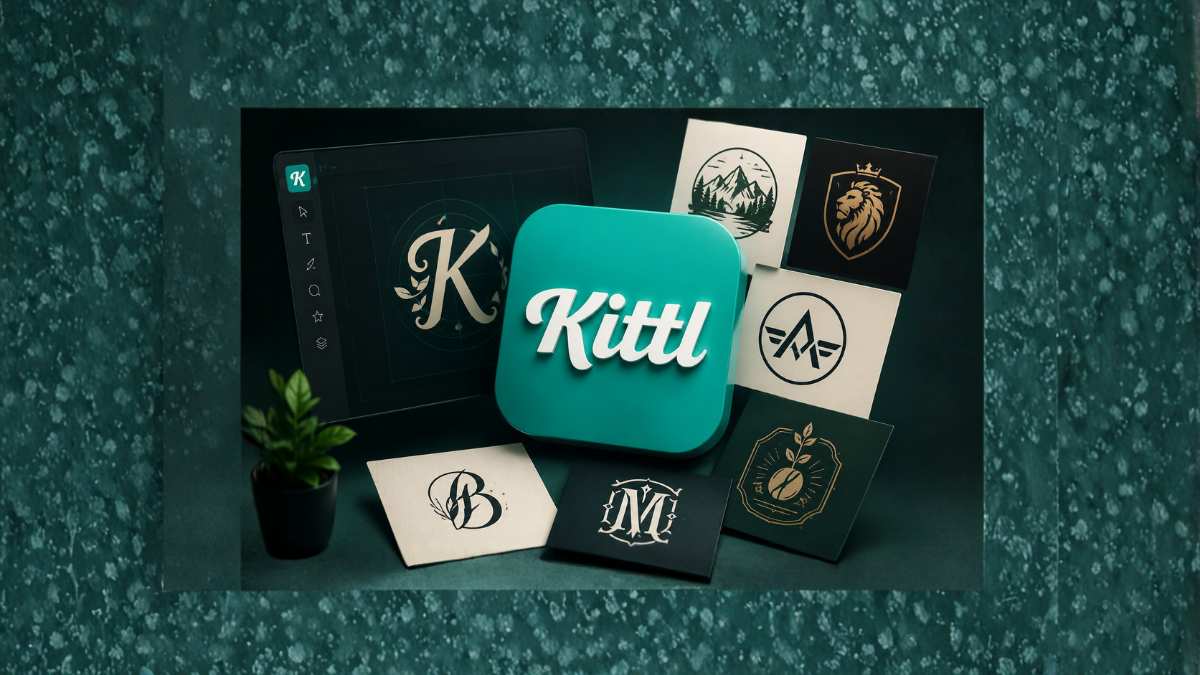
Creating a professional logo used to require expensive design software, years of experience, and countless hours of work. Today, modern design platforms like Kittl have completely changed the process. Whether you are a business owner, freelancer, blogger, YouTuber, or startup founder, you can now create stunning and professional logos in just a few minutes.
Kittl is an AI-powered graphic design platform that offers easy-to-use tools, professional templates, advanced typography, and customizable elements that make logo design accessible to everyone. Even if you have no design experience, Kittl allows you to create logos that look like they were made by professional graphic designers.
In this guide, you will learn how to create professional logos with Kittl in minutes, understand its features, and discover useful tips to make your logo stand out.
What is Kittl?
Kittl is an online graphic design platform designed for creating logos, illustrations, social media graphics, print-on-demand products, and marketing materials. The platform is especially popular because of its powerful typography tools and AI design features.
Unlike traditional graphic design software that often has a steep learning curve, Kittl focuses on simplicity and speed. Users can create professional-quality designs through drag-and-drop editing and pre-designed templates.
Some major features of Kittl include:
- AI-powered design tools
- Hundreds of logo templates
- Advanced text effects
- Vector editing capabilities
- High-quality graphics and illustrations
- Easy customization options
- Download support for multiple formats
Why a Professional Logo is Important
A logo is more than just an image. It represents your brand identity and creates the first impression of your business.
A professional logo helps:
Build Brand Recognition
People remember businesses through their logos. Think of famous brands like Apple, Nike, or McDonald’s. Their logos instantly remind people of the company.
Increase Trust
A professionally designed logo makes your business appear reliable and credible.
Improve Marketing
Your logo appears on websites, social media, business cards, and advertisements. A strong logo supports your entire marketing strategy.
Differentiate Your Business
A unique logo helps your business stand out from competitors.
Why Use Kittl for Logo Design?
There are many logo makers available online, but Kittl has several advantages.
Beginner-Friendly Interface
You do not need graphic design experience to use Kittl. The platform is simple and intuitive.
Professional Templates
Kittl offers professionally designed templates that save time and provide inspiration.
Advanced Typography
Typography is one of Kittl’s strongest features. You can create beautiful text effects that make logos look premium.
AI Design Features
Artificial intelligence tools help generate creative ideas and speed up the design process.
Affordable Solution
Hiring a professional designer can cost hundreds or even thousands of dollars. Kittl provides a cost-effective alternative.
Step-by-Step Guide to Create Professional Logos with Kittl
Step 1: Create a Kittl Account
Visit the Kittl website and create a free account. Registration takes only a few minutes.
After signing up, you can access the design dashboard and start creating your logo.
Step 2: Choose a Logo Template
Kittl offers hundreds of professionally designed templates.
Browse different categories, such as:
- Business logos
- Fashion logos
- Restaurant logos
- Gaming logos
- Technology logos
- Fitness logos
- Personal branding logos
Selecting a template saves time and provides a strong starting point.
Step 3: Customize the Text
Change the default text and enter your business name.
Experiment with:
- Font styles
- Font size
- Letter spacing
- Text alignment
- Text effects
Kittl’s typography tools allow you to create unique and eye-catching logos.
Step 4: Select Colors
Colors play a major role in branding.
Popular color meanings include:
- Blue: Trust and professionalism
- Red: Energy and passion
- Green: Nature and growth
- Black: Luxury and sophistication
- Orange: Creativity and enthusiasm
- Purple: Innovation and elegance
Choose colors that reflect your brand personality.
Step 5: Add Icons and Graphics
Kittl provides a large library of icons and illustrations.
You can add:
- Animals
- Abstract symbols
- Geometric shapes
- Technology icons
- Food illustrations
- Nature elements
Choose graphics that match your industry and brand message.
Step 6: Adjust Layout and Alignment
A professional logo should look balanced.
Pay attention to:
- Spacing
- Symmetry
- Alignment
- Size proportion
Kittl’s drag-and-drop editor makes it easy to position elements perfectly.
Step 7: Apply Effects
Kittl offers advanced design effects such as:
- Shadows
- Gradients
- Texture effects
- Curved text
- Vintage effects
- Outline styles
Use effects carefully to maintain a clean and professional appearance.
Step 8: Preview Your Logo
Before downloading your logo, preview it in different sizes.
Check how it looks:
- On mobile devices
- On websites
- On social media profiles
- On business cards
- On merchandise
A good logo should remain clear even at smaller sizes.
Step 9: Download Your Logo
Once satisfied, download your logo.
Kittl supports various formats, including:
- PNG
- SVG
Vector formats such as SVG are especially useful because they can be resized without losing quality.
Tips to Create Professional Logos with Kittl
Keep It Simple
Simple logos are easier to remember.
Avoid adding too many colors, shapes, or effects.
Choose Readable Fonts
Fancy fonts may look attractive but can reduce readability.
Always prioritize clarity.
Use Limited Colors
Most professional logos use only two or three colors.
Too many colors can make the design appear cluttered.
Make It Scalable
Your logo should look good on:
- Websites
- Social media
- T-shirts
- Business cards
- Billboards
Create Multiple Versions
Design:
- Full-color logo
- Black-and-white logo
- Icon-only version
- Horizontal version
These variations provide flexibility for different marketing materials.
Best Logo Design Trends in 2026
Minimalist Logos
Simple and clean designs continue to dominate branding.
Gradient Effects
Subtle gradients create a modern and premium look.
Vintage Typography
Retro-style logos remain popular for fashion and lifestyle brands.
Geometric Shapes
Geometric logos provide balance and professionalism.
AI-Assisted Designs
AI-powered tools like Kittl are making professional design accessible to everyone.
Common Mistakes to Avoid
Copying Other Brands
Your logo should be unique and original.
Using Too Many Fonts
Limit your logo to one or two fonts.
Ignoring Brand Identity
Your logo should reflect your business values and target audience.
Following Every Trend
Trends change quickly. Focus on timeless design principles.
Overcomplicating the Design
Simple logos are usually more effective and memorable.
Who Should Use Kittl?
Kittl is suitable for:
Small Business Owners
Create professional branding without hiring expensive designers.
Bloggers
Design logos for websites and personal brands.
YouTubers
Create channel logos and branding elements.
Freelancers
Design logos for clients quickly and efficiently.
Startups
Build professional brand identities on a limited budget.
E-commerce Stores
Create logos for online shops and product packaging.
Kittl vs Traditional Graphic Design Software
| Feature | Kittl | Traditional Software |
|---|---|---|
| Easy to Learn | Yes | No |
| AI Features | Yes | Limited |
| Templates | Extensive | Limited |
| Cost | Affordable | Expensive |
| Speed | Very Fast | Slower |
| Beginner Friendly | Yes | Difficult |
For beginners and small businesses, Kittl offers a much faster and easier solution.
Can You Create Professional Logos in Minutes?
Yes. Kittl’s combination of templates, AI tools, typography features, and easy customization makes it possible to create high-quality logos in just a few minutes.
While experienced designers may still prefer advanced software for complex branding projects, Kittl is more than capable of producing professional logos for most businesses and personal brands.
Final Thoughts
Creating a professional logo no longer requires expensive software or years of graphic design experience. Kittl has simplified the entire process by offering powerful design tools, beautiful templates, and AI-powered features that help anyone create impressive logos quickly.
Whether you are launching a new business, starting a YouTube channel, building an online store, or rebranding your company, Kittl provides everything you need to design a professional logo in minutes.
By following the steps and tips in this guide, you can create a memorable and visually appealing logo that strengthens your brand identity and helps your business stand out in a competitive market.
Frequently Asked Questions (FAQs)
1. Is Kittl free to use?
Yes, Kittl offers a free plan with limited features and premium plans with additional tools.
2. Can beginners create logos using Kittl?
Yes, Kittl is designed specifically for beginners and non-designers.
3. Does Kittl provide logo templates?
Yes, Kittl offers hundreds of professionally designed logo templates.
4. Can I use Kittl logos commercially?
Yes, depending on your subscription plan and licensing terms.
5. What file formats does Kittl support?
Kittl supports PNG, SVG, PDF, and other download formats.
6. Can I edit my logo after downloading it?
Yes, your projects remain saved in your account for future editing.
7. Is Kittl better than Canva for logo design?
Many users prefer Kittl for logo creation because of its advanced typography tools.
8. Can I create logos for clients using Kittl?
Yes, freelancers and agencies frequently use Kittl for client projects.
9. Does Kittl use artificial intelligence?
Yes, Kittl includes several AI-powered design tools.
10. Can I create minimalist logos in Kittl?
Yes, Kittl is excellent for creating modern minimalist logos.
11. Do I need graphic design experience to use Kittl?
No, Kittl is beginner-friendly and easy to learn.
12. How long does it take to create a logo with Kittl?
Most users can create a professional logo in just a few minutes.
